Fly safely and legally with Coverdrone FlySafe. A free app designed to help drone operators plan and conduct flights quickly and without fuss. Available for iPhone, iPad and Android devices.
What you can do with the FlySafe App
With many features on hand to help drone operators fly safely, we’ve highlighted our top five features within FlySafe and how you can start using them next time you use our app.
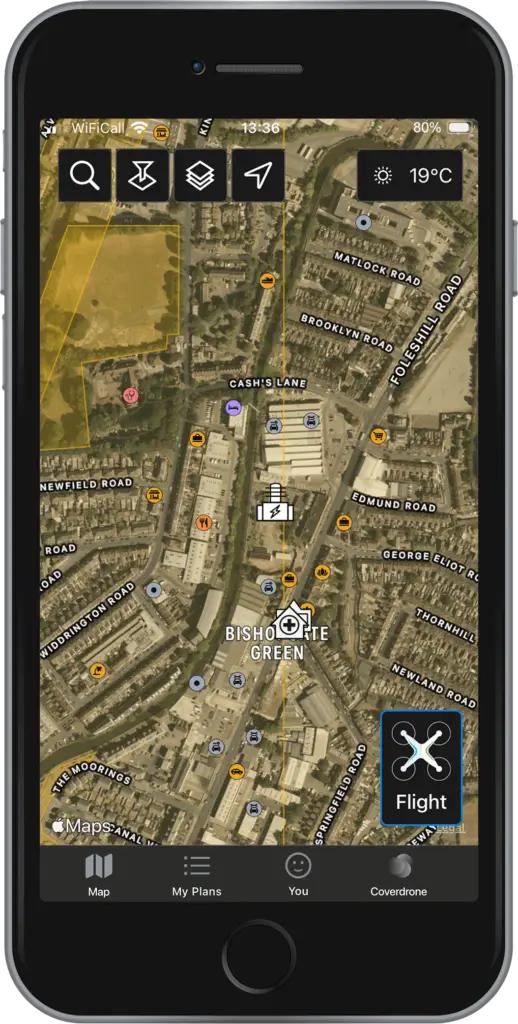
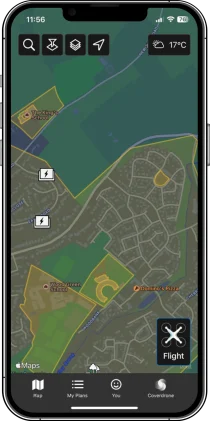
Satellite Maps
This view provides enhanced terrain information, showing details such as mountains, valleys or bodies of water.
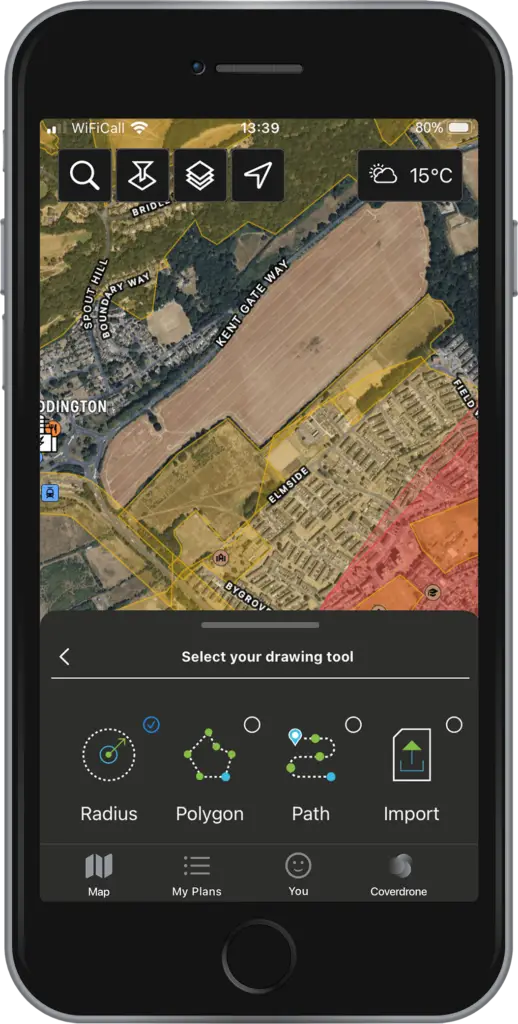
Drawing Tools
For easy flight planning, choose from four tools: radius, polygon, waypoint path, or upload a KML file under Create Flight Plan. Note - the Fly Now option supports only the radius tool for quick plans.
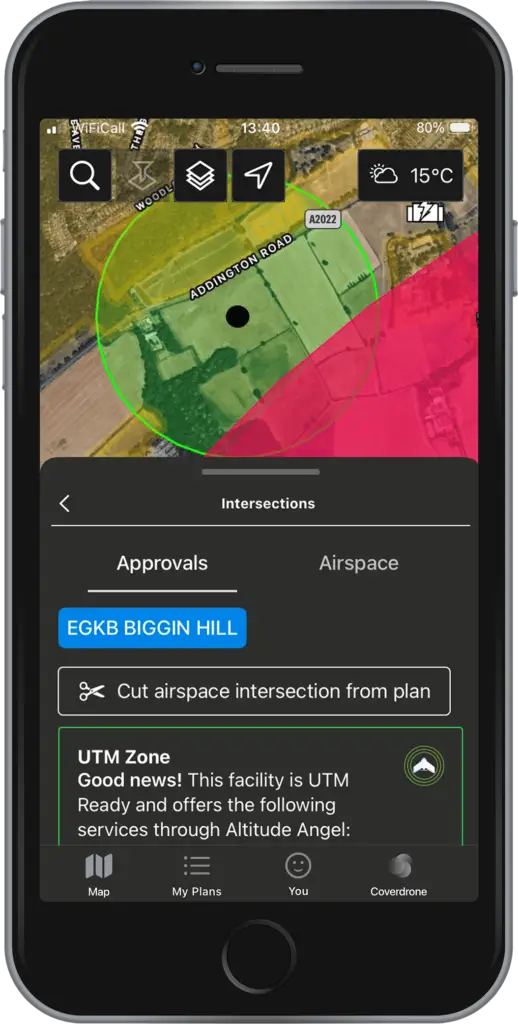
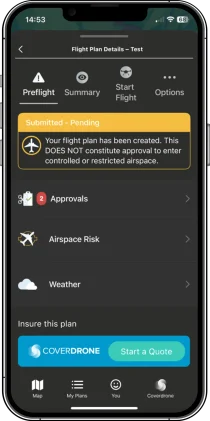
Cut Airspace
Under the Approval tab, you can automatically re-draw your plan to avoid intersecting approval zones. To proceed with the original plan, submit a digital approval request via the FlySafe app. If the flight plan intersects a UTM Zone with digital authorisations, a green box will indicate its availability.
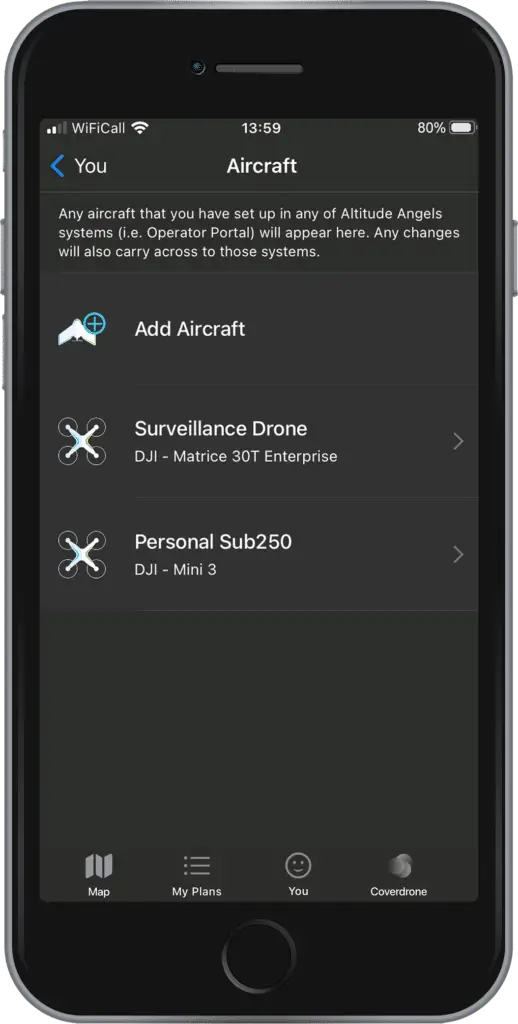
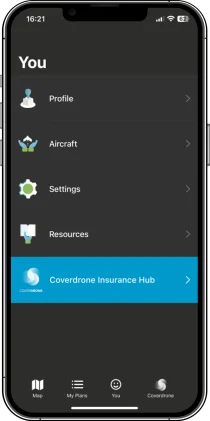
New Pilot Profiles and Aircraft Management
Control and understand your drone operations with the ability to add Pilot details and multiple Aircraft through the app.
Enhanced Airspace Filtering
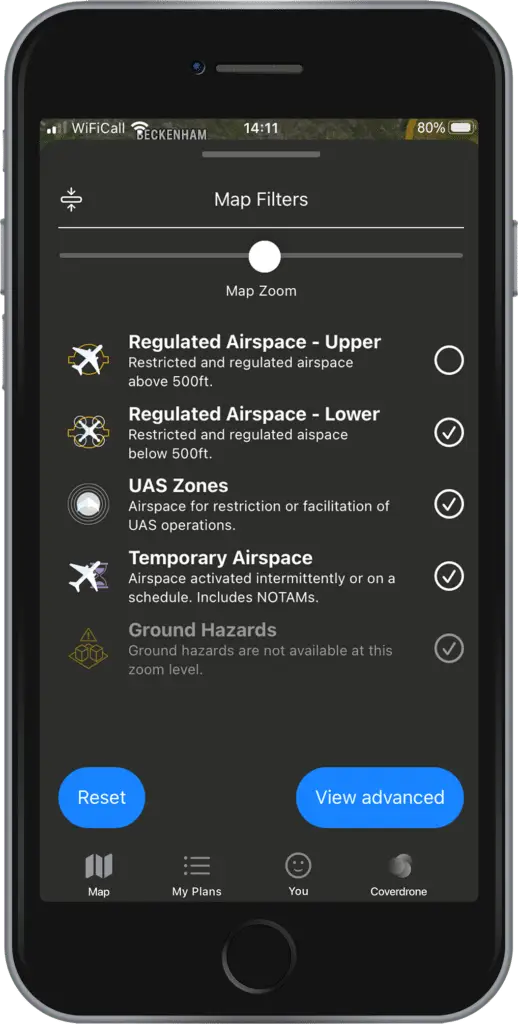
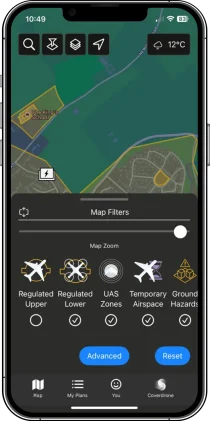
For enhanced airspace filters, choose from five options: Upper Airspace, Lower Airspace, UAS Zones, Temporary Airspaces, and Ground Hazards. Select View Advanced for additional options like Glider Sites and Navigation Warnings.
Watch Our Video Tutorials
Watch our range of tutorial videos, showing how to use features within FlySafe, including how to create a flight plan, flight plan approvals and managing your profile.
Our most frequently asked questions can be found below.
Do I need to be a Coverdrone client to have access to the FlySafe app?
The Coverdrone FlySafe app is available for all drone operators. You do not need to be a Coverdrone policyholder to access and use the app.
I already have a Coverdrone Account, do I still need to register for the FlySafe App?
Yes, you will still need to register for FlySafe to use the app. This is because the FlySafe app is an independent, third-party application delivered by our partners Altitude Angel.
I had previously registered for the older version of FlySafe. Will I now need to re-register?
No, there is no need to re-register. You can log-in using your existing credentials.
Does FlySafe provide real-time weather updates?
Yes, FlySafe offers weather reports to help you understand flying conditions when you are ready to fly. We currently show the weather ‘now’ as default, but you can look one hour ahead also. We always recommend checking the weather at the time you start your fly to ensure it is safe conditions to fly.
Can I create and save flight routes for future use?
In FlySafe, once you have filled a flight plan, you can open it in the ‘My Plans’ section. Once you have reopened this, you will see three dots next to ‘Start Flight’. If you click here and select the ‘Duplicate Plan’ option, it will copy your plan details and you can edit the parts of the plan you wish to change, such as day and time.
How accurate is the map data you provide?
Spanning over 152 countries and providing accurate, real-time weather, aeronautical and ground hazard information, the map data is trusted by emergency services, drone pilots and aviators all around the world to give them the best planning data available.
Are there any restrictions or no-fly zones integrated into the tool’s database?
Our maps have multiple filters for you to choose from, which allow you to clearly see where you can fly safely. You can choose to toggle on various filters, to see things such as No Fly Zones, CRZs, approval zones and more.
Does the flight planning tool support multiple drones?
In FlySafe, you can set up your profile, including pilot and aircraft details. You can add multiple airframes which are then saved to your profile, so you can then select the relevant drone for each individual flight.
What is the difference between ‘Create Flight Plan’ and ‘Fly Now’?
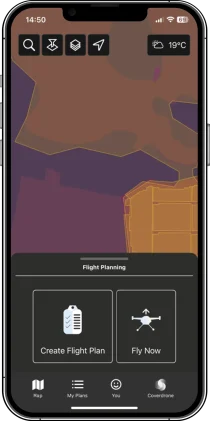
‘Create Flight Plan’ is designed for more accurate drone operation plans. With more detailed drawing tools, you can choose to create your plan with waypoints, polygons, and radius, or upload a file. You can also select the locations, days and times. ‘Fly Now’ in comparison has been built to quickly get your drone in the air. When selecting ‘Fly Now’, FlySafe creates a 500m radius plan around you, selects your default drone, and automatically schedules the flight to happen right away.
Which countries does the FlySafe app support?
Member States of the European Union, the United Kingdom, Canada, New Zealand, Australia and the United States of America are all supported.
What devices does the FlySafe app support?
Coverdrone FlySafe is available for all Android and iOS devices who run the latest OS version (or one version before). The app has been developed in partnership with Altitude Angel, a leading UK-based company working on innovative future drone traffic management solutions.